


BYOD Partnership Portals
Bishop Tyrrell Anglican College has partnerships with both LWT and JBHiFi Education, to ensure our families have the ability to access the perfect device for their child’s education. Please see the portal log-ins and information brochures below:
- Families can access the LWT Portal for BTAC by clicking here. Families can also access our LWT information package here.
- Families can access the JBHIFI Education Portal by clicking here. Families can also access our JBHIFI Education information package here.
Safe and Respectful ICT Use and Engagement
All students and parents are expected to sign an Information and Communications Technology (ICT) User Agreement when they start at BTAC. This agreement outlines our responsibilities as a college, students and parents to ensure safe, respectful use and engagement with ICT. Students are also expected to adhere to the Student BYOD and Acceptable Use Policy. Please click the button below to view the policy.
FAQs – BYOD Program
| Year level | Device required |
| Year 2 to Year 4 | Apple iPad, 128GB or more (Android tablets are not accepted) |
| Year 5 to Year 12 | Mac or Windows laptop (Chromebooks are not accepted) |
iPads (Years 2-4)
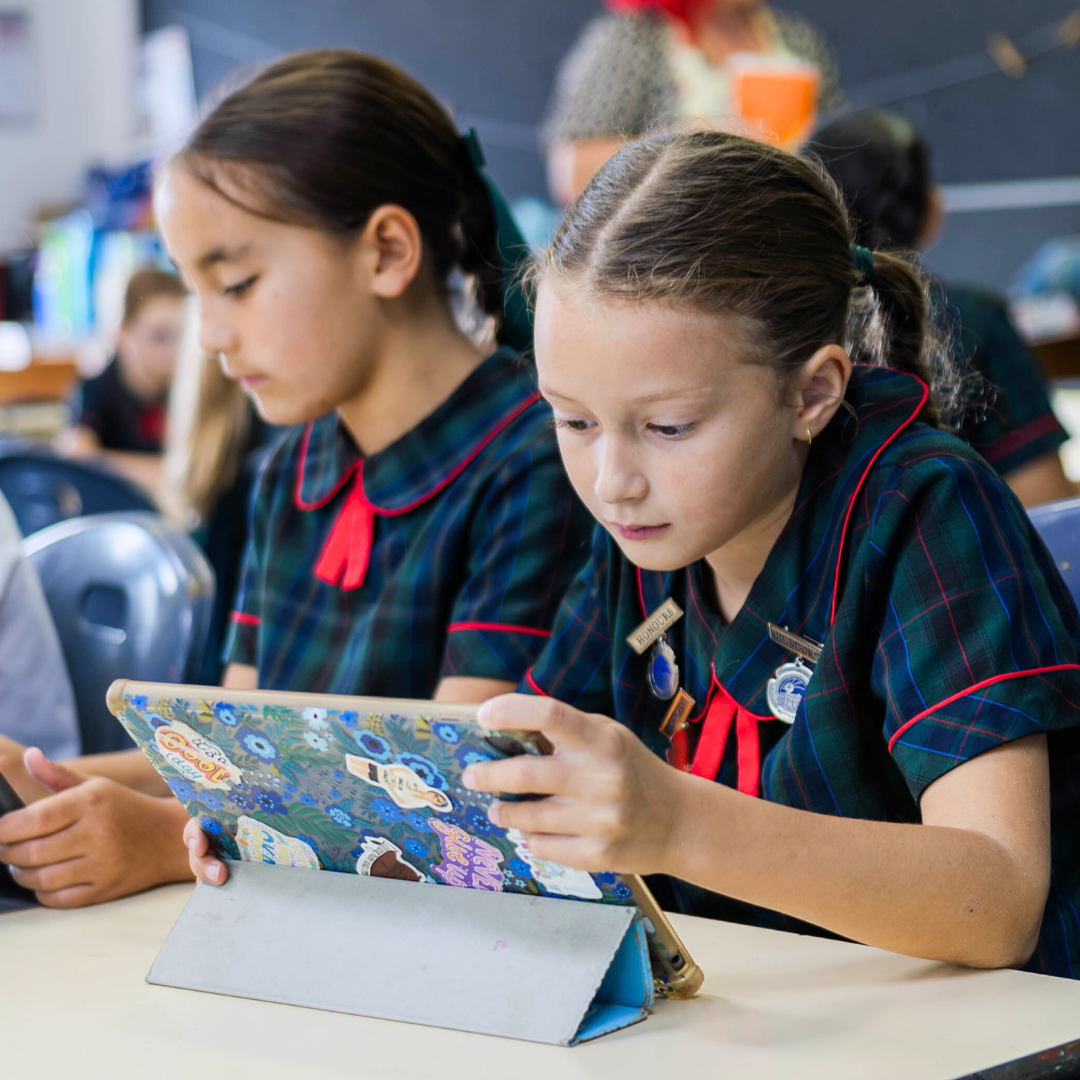
The iPads used by students in Years 2 to 4 must be a current generation Apple iPad of 128GB.
Please note, iPad Minis or older models can struggle to run the apps students use in class.
Once you have purchased your device, click here for step-by-step instructions on how to set up your device.
This will assist our ICT Team to install apps and settings to the device automatically, so it’s ready for class from day one.
Microsoft Intune (a cloud-based management solution that lets the school control BOYD devices) is required so the ICT Team can automatically push apps and settings to student devices.
Click here for step-by-step instructions on how to install Microsoft Intune.
Laptops (Years 5-12)
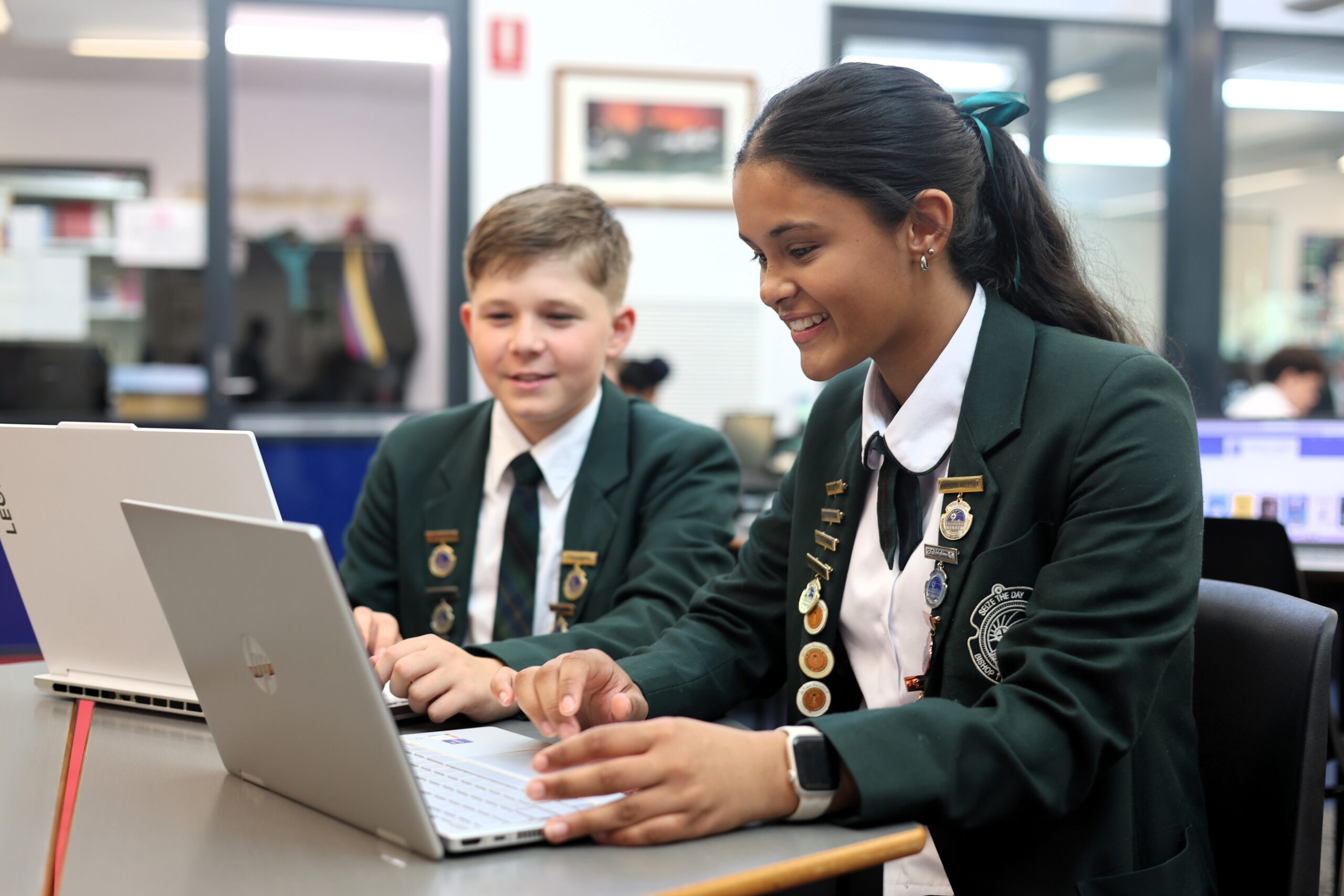
Students in Years 5 to 12 can choose either a Windows or Mac laptop. Chromebooks are not an acceptable device.
Each device should have Windows 11 (Windows 10 is no longer supported), or a version of macOS updated within the last 12 months.
Office 365 and Adobe Creative Cloud are free to use while your child is enrolled at BTAC.
Each device must come to school fully charged each day.
| Minimum | Recommended | |
| RAM | 8GB | 16GB |
| Storage | 120GB SSD | 256GB SSD |
| Screen size | 12″ | 13″ |
| Storage type | SSD | SSD |
| Wireless | 802.11n (5GHz) or Wi-Fi 6+ | Wi-Fi 6+ |
| Battery life | 6 hours minimum | 6 hours minimum |
Please note: Devices that do not meet the above standard will not be accepted.
For all additional information on device specifications, or any general questions, please contact the BTAC ICT Team at [email protected]
Yes. All devices must be protected with a suitable protective case.
Additional accessories are optional and can be selected based on your child’s individual needs and preferences.
We strongly recommend insurance at the time of purchase.
The College is unable to accept responsibility for devices that are lost, stolen or damaged on campus or while in transit. We recommend arranging appropriate insurance or cover for your device from day one.
Click here for step-by-step guides on how to set up your child’s device.
If you have any questions, please contact the BTAC ICT Team at [email protected].
ICT Support is available on Campus for students to troubleshoot their devices.
Please note, students are responsible for backing up and protecting their data in line with the school’s Student BYOD and Acceptable Use Policy.
Have a Question?
Please contact the BTAC ICT Team on 02 4979 8417 or via email at [email protected].